
— The hybrid studio
A CV written in
conversation,
typeset by us.
Answer a few questions. The interviewer structures, writes, and keeps the document editable while a proper manuscript takes shape beside you.
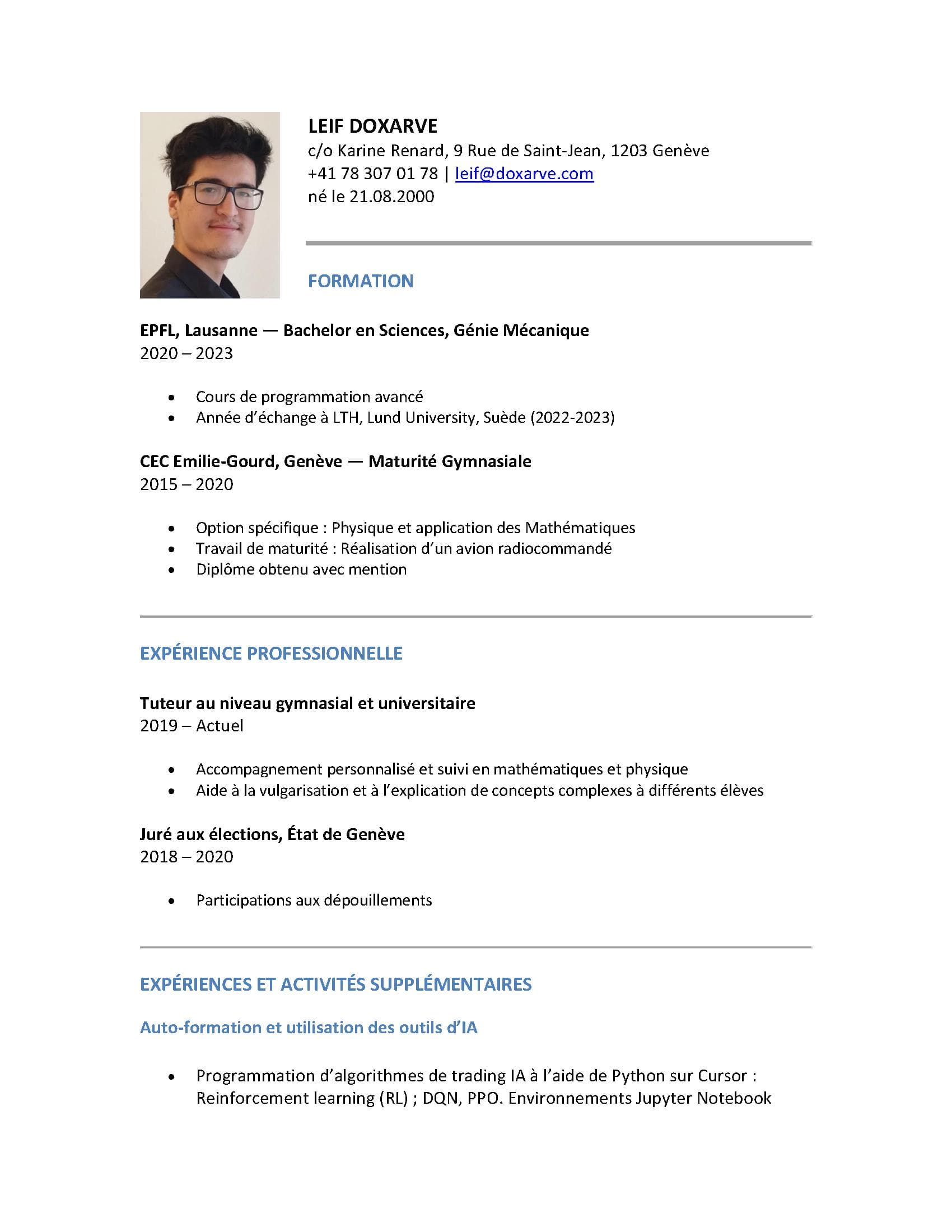
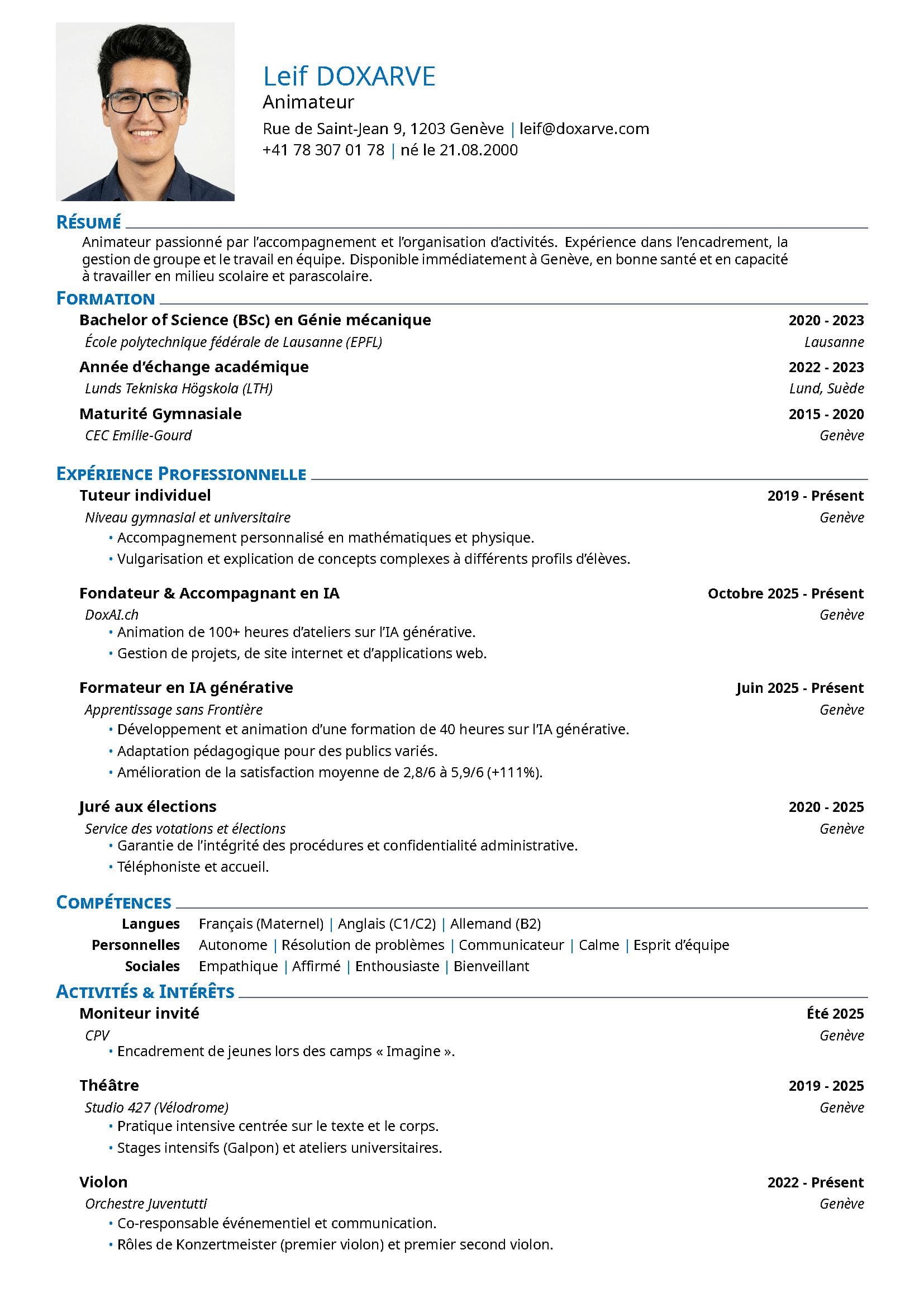
Starting point
Already have a CV?
Drop your PDF/DOCX file here, or use the button below.
Supported formats: PDF, DOCX · Max size: 10 MB
“The fastest CV I have written, and the one that reads most like me.”
Beta user · 12 Nov 2025
Frequently asked
Questions, answered.
Is it really free to start?
Yes. Creating an account, drafting your CV with the AI interviewer, and previewing the result cost nothing. You only pay if you compile beyond the free monthly allowance, or upgrade to Pro for unlimited compiles.
How does pricing work after the free tier?
Two options: credit packs (pay once, use anytime) or a Pro subscription with unlimited chat and compiles. The full breakdown lives on the pricing page — no surprise charges, no hidden tiers.
Where is my data stored?
On Swiss-hosted infrastructure (Infomaniak). Temporary files generated during PDF compilation are deleted right after. We are LPD-compliant by design.
Can I import an existing CV?
Drop a PDF or DOCX into the import zone above. The AI extracts the content, structures it, and lets you refine from there.
What templates are available?
Five LaTeX templates — Original, Picture (with photo), Harvard, Business, and Sidebar — with five font families to choose from. All exports are ATS-friendly.